GhostViewer – See Through Time
Description
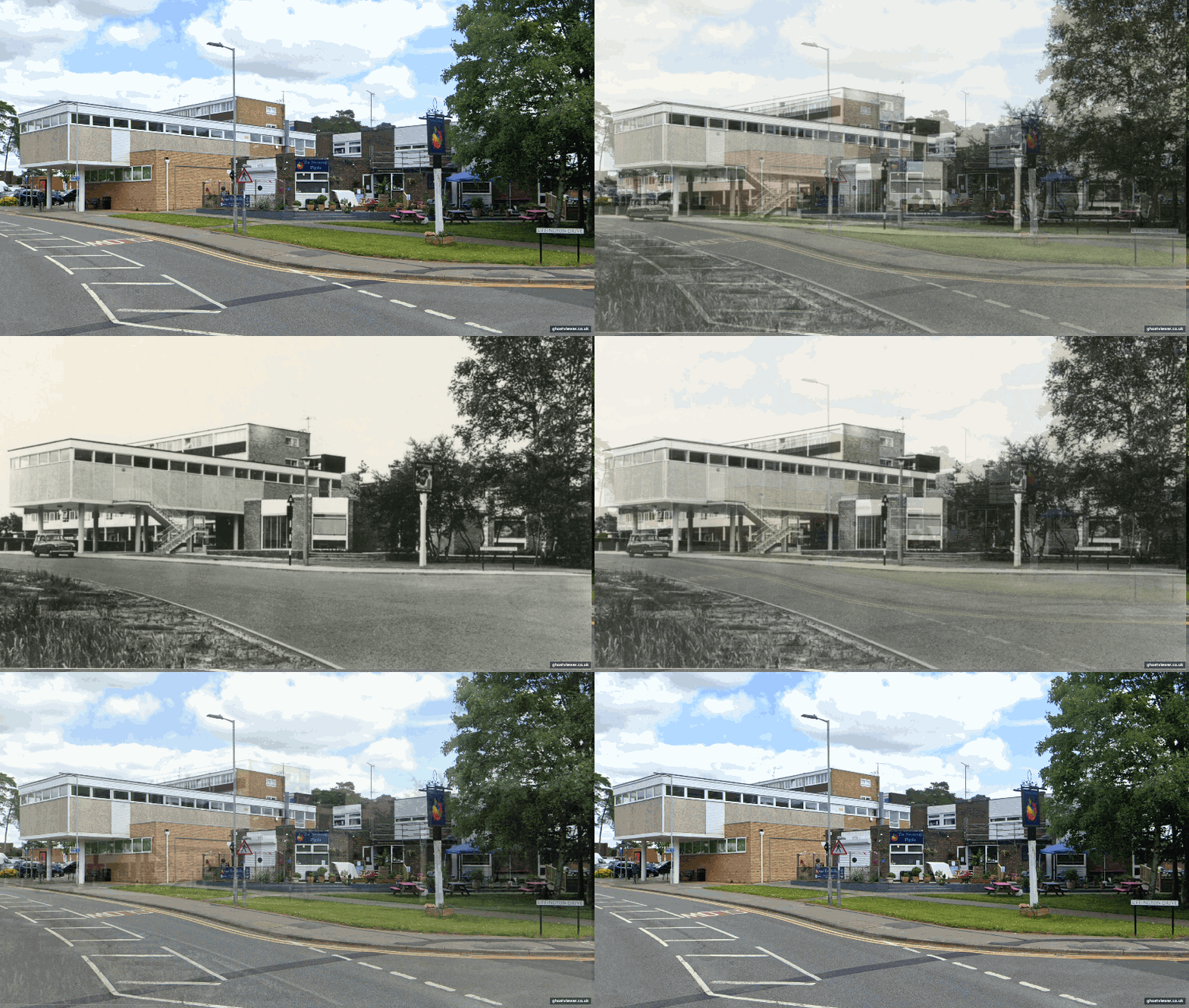
Recreate old photographs from the same viewpoint today. GhostViewer helps you align historic and modern photos so you can see the past and present in one clear comparison. This process is often called rephotographyRephotography — sometimes called repeat photography — is the practice of photographing the same location from the same position on two or more separate occasions, with a significant time gap between images. The objective is a direct visual comparison: a diachronic pair that shows what has changed, what has survived, and what has been lost entirely. Read the Post - The Art and Craft of Photographing Time. Rephotography Organisations and Information More, re-photography, then and now, before and after, or comparative photography.
How GhostViewer works
- Load an old photo – upload from file, use the GhostViewer map, or import from Geograph.
- Add a new photo – take a current photo, choose from your library, or upload from file.
- Match landmarks – click matching points on both images.
- Align images – choose the best transform mode and refine the result.
- Review and output – check alignment quality, adjust if needed, then save or share.
Key Features
- Landmark-based alignment for historic vs modern photos
- Multiple old-photo sources (file upload, GhostViewer map, Geograph import)
- New-photo capture options including Ghost Guide Camera
- Distance context for location-based imported images
- Browser-based workflow with privacy-first handling
- Optional project saving for signed-in users
Who Is It For?
GhostViewer is for anyone curious about local history.
- Local historians documenting how streets and buildings have changed
- Photographers creating then-and-now comparison images
- Family historians revisiting the house a grandparent grew up in
- Architecture enthusiasts tracking how a neighbourhood has evolved
- Anyone who has ever looked at an old photo and thought — I wonder what it looks like now
The GhostViewer website is free to use and and we welcome contributions from all photographers, local historians, archivists and more.
Check out these links